.png?width=420&height=80&name=The%20smart%20floor%20plan%20(1).png)
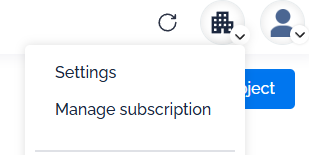
You can view your invoices by clicking on the "Manage subscription" button, located under the building-shaped icon in the top right corner of your workspace.
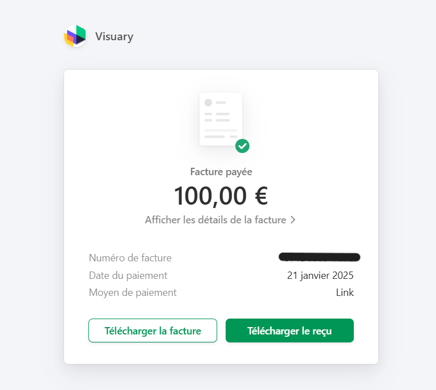
Your billing history is available at the bottom of the displayed page—simply click on the desired invoice. You will then be redirected to a new page where you can download the invoice and/or the payment receipt.
If your subscription was purchased through the App Store, you can find your purchase history directly in your Apple account: View your purchase history in the App Store.